
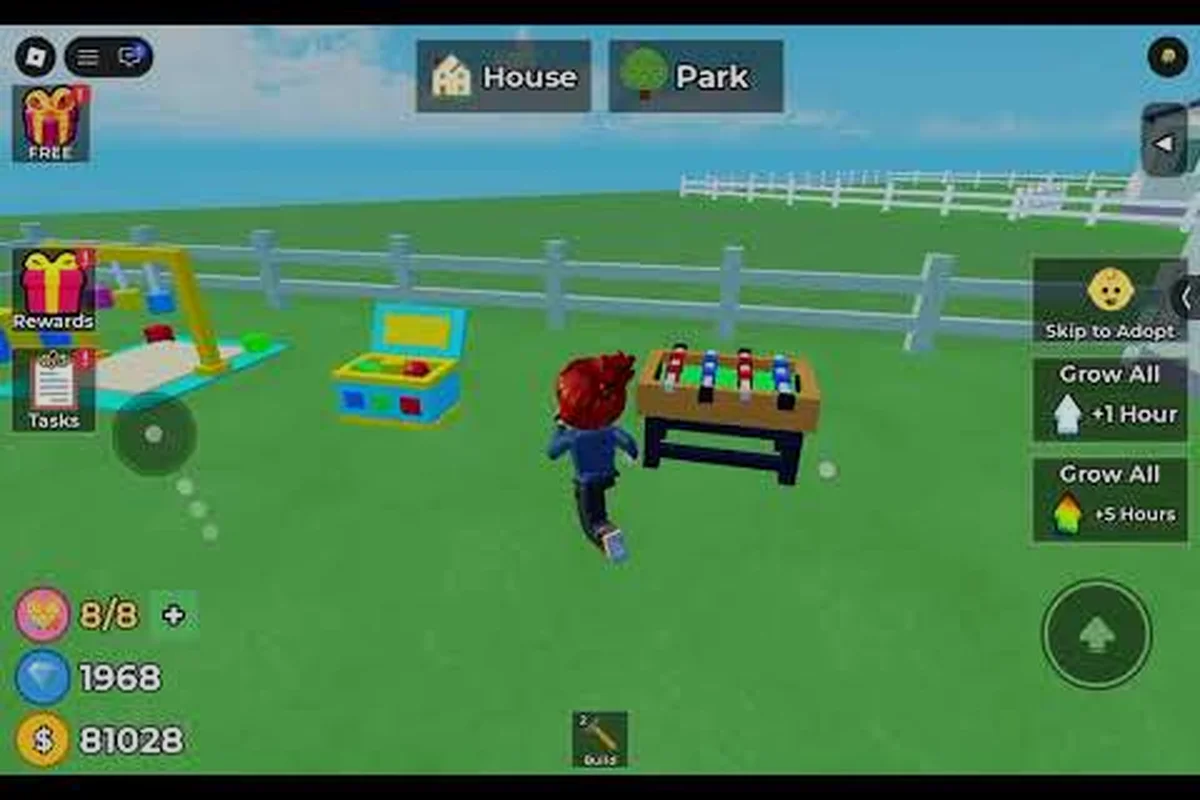
Raise The Biggest Family community guide helps you find official Roblox hubs, recognize credible announcements, and understand how developer updates reach players. The game studio behind the experience is Novkod X Level0Expert, whose official announcements and community channels provide the clearest path to current information.
Where Official Information Appears
A useful community guide should do more than list usernames. It should explain where official information appears, how players can identify one another, and which details are likely to come from the Raise The Biggest Family dev team rather than an unrelated account. That distinction matters because Roblox experiences often have fan groups, copied pages, and outdated guides competing with legitimate channels.
The Raise The Biggest Family community members are spread across several spaces, including the official game experience, its Roblox presence, and community spaces linked from official materials. Some conversations focus on progression and group activities, while others discuss upcoming changes or collectible goals. Knowing the function of each space helps you spend less time searching and more time finding useful information.
| Community source | Best use | Main caution |
|---|---|---|
| Official game page | Confirm the current game listing and links | Names and links may change |
| Roblox game experience | Play, check in-game notices, and meet active players | Community posts may mix personal opinions |
| Official Roblox group | Find announcements and community events | Older posts can remain visible |
| Official social channel | Receive short developer updates | Short posts may lack full context |
| Player-created groups | Find communities organized around a specific activity | Verify ownership before following links |
Which official spaces matter most?
Begin with the official listing because it is the most reliable starting point for current links. From there, follow only the group, social account, or community destination displayed there. This official-identification route reduces the chance of joining an impersonator and prevents outdated links from spreading through player-made articles.
Next, check the group or community hub for recent announcements. Look for pinned posts, event dates, and references to the game studio. A post that merely shares a video may still be useful, but an announcement that links back to the official experience has a stronger information trail.
Finally, examine the developer’s activity. The Raise The Biggest Family developer updates are most useful when they connect to a visible in-game change, event, fix, or scheduled release. Community players can then verify whether a claimed feature is already present in the live experience.
Verifying Suspicious Requests
Use this sequence whenever a post asks you to join, download, sign in, or change game information: confirm the request against the Raise The Biggest Family developer’s current announcement, check whether it names a specific group, event, reward, or account action, and avoid sharing Roblox credentials or personal details until the destination is verified. This protects community members from outdated invite links and unofficial lookalike accounts while keeping group activities in Raise The Biggest Family accessible.
-
Open the official Raise The Biggest Family Roblox listing.
-
Locate the group or social account linked by the listing.
-
Compare the account name, profile image, and recent activity.
-
Read the newest official announcements in full.
-
Return to the game to confirm any announced event or feature.
This routine matters most when an update concerns rewards or group activities, because a credible event notice should identify the relevant Raise The Biggest Family group activity and state what participants must do, while an outdated repost may omit the eligibility rule, deadline, or required game action. For example, if a notice promises a group reward, confirm the event in the newest Raise The Biggest Family developer announcement and compare its timing with the latest developer updates before community members follow a link or change their group information.
The Studio Behind the Game
Understanding the studio behind the game gives community members a better way to interpret updates. This section explains what is known about the Raise The Biggest Family game studio, Novkod X Level0Expert, without assigning development decisions or game features that have not been publicly confirmed.
| Information | What to verify | Practical use |
|---|---|---|
| Studio identity | The developer name displayed on official materials | Confirms the source of announcements |
| Public channel | The group or account linked from the official game | Provides release and event notices |
| Update channel | The newest dated post from that source | Provides current development context |
| Game listing | The official Roblox experience link | Serves as the starting point for verification |
| Player activity | Recent public discussions and community reports | Helps identify active community topics |
What the developer identity tells you
The studio name provides a useful anchor for research because official announcements should consistently come from the same creator identity. Search for the exact studio name alongside the game title, then compare the results with links from the official listing. This is more dependable than relying on an unrelated repost that merely copied an earlier announcement.
The Raise The Biggest Family about the developer topic is best understood through primary materials. Look for the studio’s own descriptions, links, and dated communications rather than repeating details from a guide that does not identify where its information came from. A primary source should reveal its own account, website, or Roblox presence without requiring a third-party explanation.
Following official announcements safely
An official announcement becomes more useful when you record three things: its publication date, the subject, and the destination where it applies. For example, an event notice may state when the event runs, while a separate post may identify the group where it takes place. Combining those details creates a practical record that remains understandable even after the original screen becomes crowded.
For a broader view of the creator’s public identity, our developer profile for Novkod X Level0Expert can serve as a secondary reference while you continue to verify against official materials. The page should support your investigation, not replace the studio’s own channels.
Distinguishing official news from community reporting
Community members often add value by explaining how an update feels in practice. However, an individual report should remain labeled as a player observation unless the developer confirms it. The distinction is particularly important for bug reports, progression values, and proposed features that may still be in testing.
| Signal | Likely classification | Reason |
|---|---|---|
| Post comes from the named studio account | Official announcement | Clear creator attribution |
| Link is embedded in the official game listing | Verified destination | Supported by primary materials |
| Player describes a firsthand observation | Community report | Useful but not studio-confirmed |
| Account copies old wording without a date | Unverified repost | Provenance and freshness are unclear |
| Message promises temporary rewards outside the game | Treat cautiously | Requires independent verification |
Finding Trusted Community Members
Finding the right people means balancing accessibility with trust. This section covers the Raise The Biggest Family community members who organize groups, publish event recaps, explain gameplay, and share information about the studio’s work. Their usefulness varies, so look for consistent participation rather than a single impressive post.
A helpful community-member profile usually contains a visible game record, relevant recent activity, and links that make sense within Roblox. These signals do not prove that every statement is correct, but they make it easier to judge whether a person is sharing firsthand experience or repeating unverified claims.
What to look for in a community member
Start with activity inside the game community. Look for participation in events, group activities, or public discussions that connect naturally to the topic being researched. A player who regularly organizes cooperative sessions may be especially valuable when you need information about group progression or community expectations.
Then check consistency. Do their recent posts discuss the same game, or does the account jump between unrelated Roblox experiences with copied text? The strongest community profiles have a clear subject area and a recognizable history of participation. For broader discovery, our community and group participation overview adds useful context on how organized communities fit around the game.
Types of useful community members
| Member type | Contribution | Questions they can answer well |
|---|---|---|
| Event organizer | Hosts or documents community activities | Event format, timing, group requirements |
| Progression player | Records progression patterns | Objectives, repeatable activities, difficulty |
| Update tracker | Collects dated developer posts | Which announcement is current |
| Lore discussion participant | Interprets characters and story details | Recurring themes, community theories |
| New-player helper | Explains common early goals | Confusing mechanics, basic navigation |
How to evaluate player-reported information
Community experience is valuable when the reporter states the platform, date, and observed conditions. “I could join after completing the current opening objective” is more useful than “the group is broken,” because the first version describes a sequence that another player can test. This approach turns individual observations into reproducible community data rather than an unsupported conclusion.
Avoid turning one player’s account into a universal rule. Progression can vary if the person is using a different version, joining at a different time, or describing a temporary event. A balanced community member will usually separate what they saw from what they believe will happen next.
Respecting community boundaries
Do not pressure a member to reveal private group information, private messages, or personal details. Keep conversations focused on public game information, and obtain permission before reposting screenshots or identifying information. This protects the people who make the Raise The Biggest Family community active while making the space more welcoming to newcomers.
A respectful research habit means recording the exact claim before checking it, linking the public source, noting the announcement or post date, and separating verified developer updates from speculation about the game studio. For example, when a new character balance change appears in community discussion, save the original wording, verify it against an official announcement, and label any early gameplay footage as unconfirmed. This makes research easier to audit, reduces rumor-driven misinformation, and helps other members evaluate release information without repeating claims that have not been substantiated.
Tracking What the Studio Changes
Tracking updates is the most reliable way to understand what the studio is changing and why. This section explains how to read the Raise The Biggest Family developer updates and the Raise The Biggest Family official announcements without confusing a live change with an old announcement or a player prediction.
Updates may concern events, community activities, interface details, rewards, or corrections. Because the supplied community information does not verify exact feature names, quantities, or release dates, this guide avoids inventing them. Instead, it gives you a durable method for checking whatever the studio has actually published.
| Update type | What to record | How to verify |
|---|---|---|
| Event announcement | Event name, dates, entry method | Check the live game and official group |
| Community activity | Group location, requirements, rewards | Open the linked hub in-game |
| Bug correction | Affected activity and intended behavior | Compare behavior after the stated date |
| Feature notice | Confirmed feature and availability | Locate it in the live experience |
| Schedule update | New date or time | Compare it with the previous notice |
Reading an update in the correct order
Begin with the newest dated official post, then read older announcements only for context. A newer message may correct an earlier schedule or replace a previous event. This order prevents you from acting on a stale community announcement that still appears prominently in a busy group feed.
Next, identify what is certain. The developer’s wording about an event taking place is stronger evidence than a player’s interpretation of how rewards will work. Separate the announcement into confirmed details and unresolved details. A useful table might list the event, its stated location, and the remaining question about eligibility.
For quick change tracking, compare the official channels with our latest patch and server update summary. The goal is not to predict a release date; it is to maintain a clean record of confirmed changes and the dates on which they appeared.
A practical update log
Maintaining an update log prevents important Raise The Biggest Family developer updates from disappearing in a long community feed. Use a simple table with one row per official announcement, recording the post date, the studio’s exact title, the confirmed feature or event, and where you verified it. For example, a game page can confirm a newly listed official announcement, while a group post or live activity can support a dated event claim. Keep unsupported dates, feature names, and interpretation out of the log, and revisit each entry after checking the live experience.
| Date | Official subject | Confirmed detail | Verification location |
|---|---|---|---|
| Date shown on post | Exact title used by studio | Restated fact | Game page, group, or live activity |
| Date shown on post | Exact title used by studio | Restated fact | Game page, group, or live activity |
| Date shown on post | Exact title used by studio | Restated fact | Game page, group, or live activity |
This format is intentionally generic because unverified dates and feature names should not be inserted into the Raise The Biggest Family developer updates log. Add a row only when an official announcement appears, then update the final column after checking the live Raise The Biggest Family experience. For instance, record whether the post links to a game page, community group, or live activity, and preserve the studio’s exact wording rather than guessing at an event name or release timing.
Handling unconfirmed community news
Players may accurately report a visual change, temporary interface element, or unusual event behavior before the studio comments. Label those reports with the date and platform, and check again after the next verified update. The official-claim hierarchy should remain clear: a studio statement ranks above an in-game observation, which ranks above an unattributed repost.
Do not spread a prediction as if it were an announcement. This matters because group events may have entry conditions, limited availability, or follow-up rules that are not visible in a screenshot. Good announcement tracking captures the full message and checks the associated activity rather than relying on a cropped image.
A Short Repeatable Checklist
A short checklist turns this guide into a repeatable routine. It helps you identify official sources, understand community participation, and verify updates without spending hours reconstructing old posts. Use it whenever a major announcement appears or when you are returning after a long break.
| Goal | First check | Second check | Final result |
|---|---|---|---|
| Find the official game | Official Roblox listing | Linked developer page | Correct entry point |
| Find current news | Newest official group post | Developer social account | Dated announcement |
| Evaluate community posts | Game activity and posting history | Consistency of claims | Contextual opinion |
| Verify a reported feature | Exact official wording | Live game behavior | Confirmed or unconfirmed |
| Join an activity | Current event notice | In-game availability | Accurate expectations |
| Share information | Original source | Publication date | Traceable summary |
Check the Hub Before Joining
Confirm that the hub was named or linked by an official source. Review its most recent notices, pinned guidance, and any rules about trading, event entry, or group roles. If those elements are absent, the destination may still be useful, but it should not be treated as authoritative simply because it uses the game’s name.
This official-link verification step is especially important for younger players and their families. It reduces exposure to fake giveaways, misleading account requests, and links that lead somewhere unrelated. The official community hub guide provides more detail on locating and checking Roblox-based community spaces.
Before you share a developer update
Read the full announcement, capture its date, and remove details that the source does not support. If you add your own observation, label it clearly. For instance, “the developer announced X; after checking the live activity, I observed Y” is precise, whereas combining both statements into one fact can create confusion.
Use descriptive wording rather than generic reactions. A summary such as “The studio posted a dated group-event notice for the community hub” tells readers what happened. “New event!” communicates almost nothing once the post disappears from the feed. Exact dates, source names, and verification status make a shareable community update genuinely useful.
A monthly maintenance routine
Once per month, revisit the official game listing, confirm that linked community destinations still match, and scan the newest official announcements. Check whether previous links lead to current pages, since community names and private destinations can change. Also compare recent developer activity with your saved update log so old information can be removed or marked as historical.
This routine keeps the Raise The Biggest Family community guide practical rather than theoretical. It also prevents the common mistake of treating an old guide as a live status page. Community hubs and game pages should be revisited periodically, while official announcements should always retain their dates.
Frequently Asked Questions
Where should I look for Raise The Biggest Family official announcements?
Start with the official Roblox game listing and follow its linked developer group or other verified channels. Read newest posts first, check their dates, and compare each claim with the live game when relevant. The official news reference can help organize those destinations, but the game’s current official links remain the deciding source.
Who is the Raise The Biggest Family dev team?
The game’s named studio is Novkod X Level0Expert. Learn about the developer through public materials connected to the official game, especially dated posts and links displayed by the studio. Community reports can explain changes in practice, but they should remain attributed as player observations unless the studio confirms the same information.
How can I find reliable Raise The Biggest Family community members?
Look for active participants with a clear history in the game community, consistent posts, and public activity connected to the subject they discuss. Test their claims against the official experience and avoid accounts that copy old announcements without attribution. Long-term participation and transparent evidence are stronger signals than follower counts alone.
Are community reports about new features always official?
No. A player may notice an interface change, temporary object, or event behavior before the studio publishes a statement. Record the platform and date, check the live experience, and wait for an official announcement before describing the change as confirmed. Until then, label it clearly as community-reported information rather than a release promise.
What should I do if a community link looks suspicious?
Do not sign in, download anything, or share personal information until you verify it. Return to the official Raise The Biggest Family listing, compare the account name and links, and confirm that the destination appears in an official post. Suspicious messages often create urgency, request unusual access, or ask you to move the conversation away from the public community space.